How it works
- 1
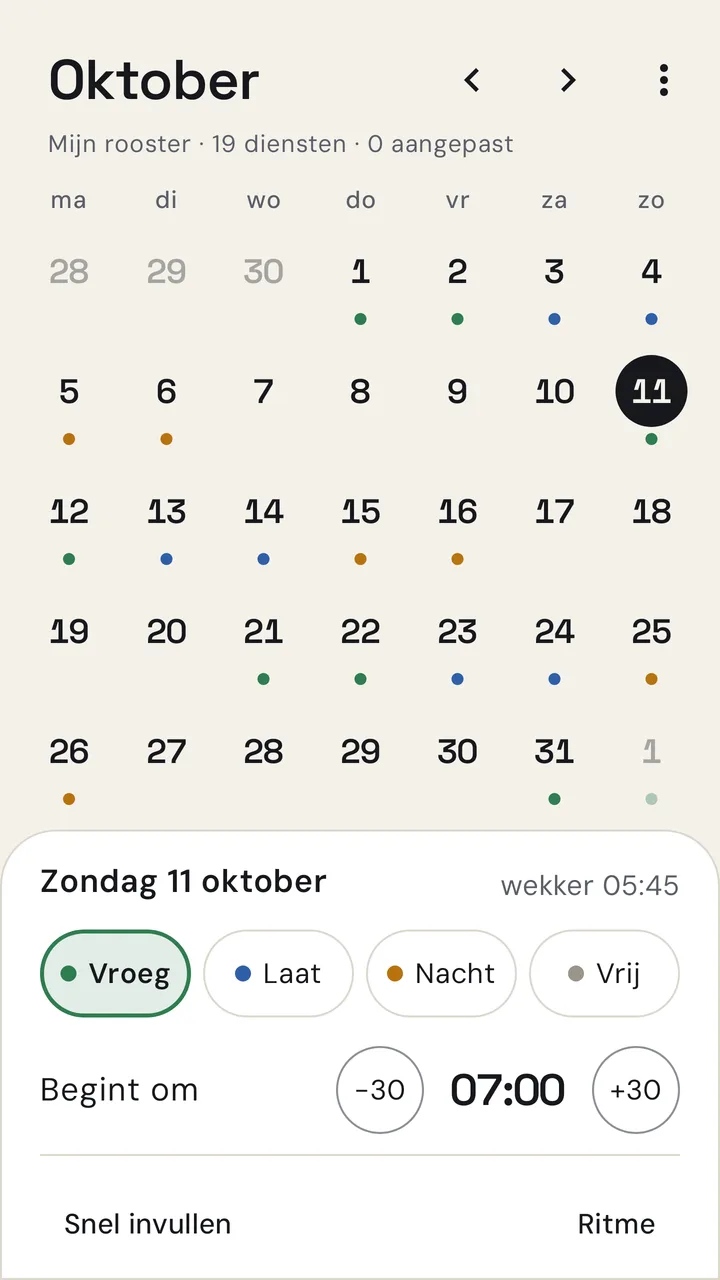
Set your roster once
A rhythm of any length, manual exceptions per day, including shifts across midnight. Or let the roster come from your calendar.
- 2
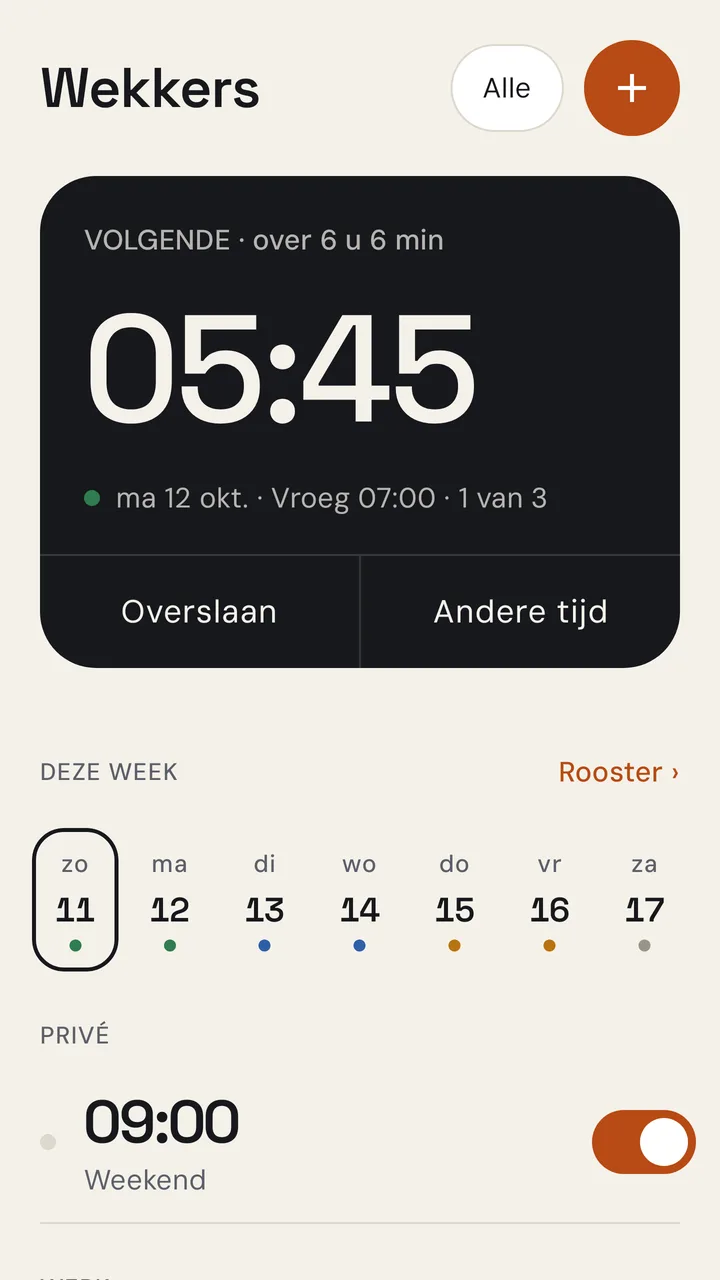
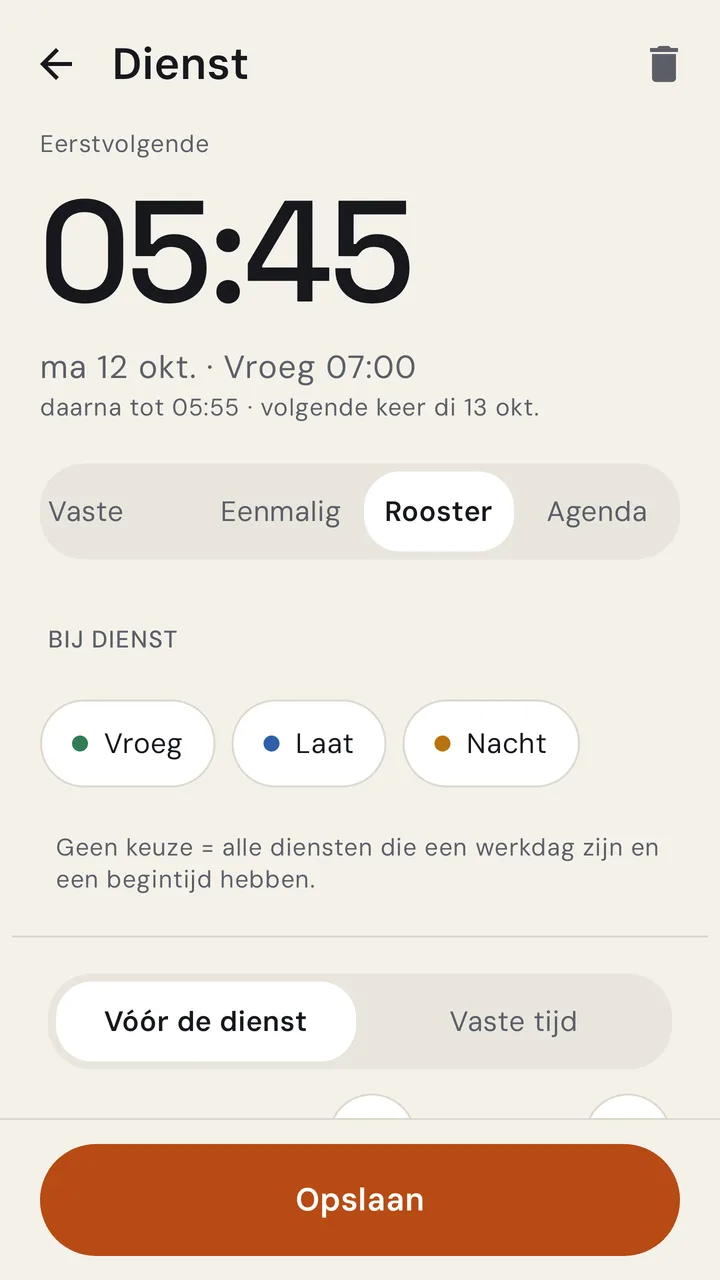
Attach an alarm to a shift
For example 90 minutes before Early, at a fixed time, or per shift type. Swap a shift and the alarm moves with it.
- 3
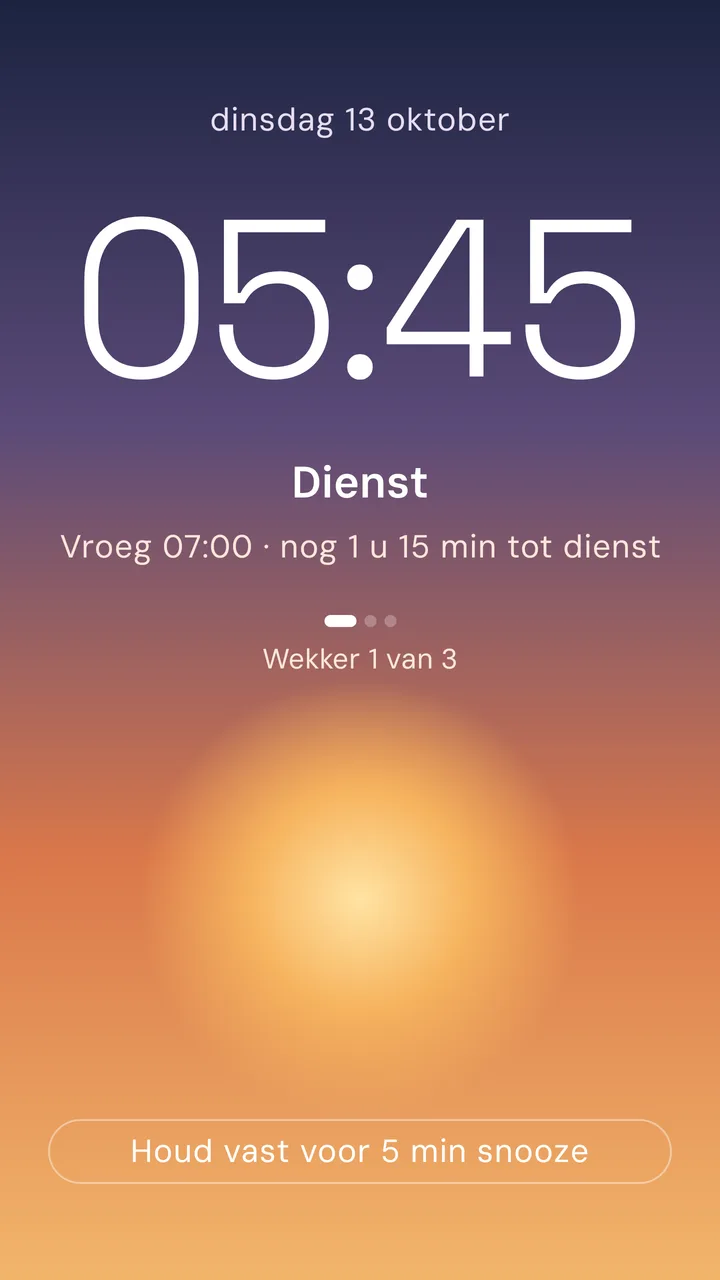
Wake up, for sure
Snoozing needs a long press. A sum, shaking or typing a phrase keeps you awake, and the wake check rings again until you confirm you are up.
- Sun11
- Mon12
- Tue13
- Wed14
- Thu15
- Fri16
- Sat17
- Early
- Late
- Night
- Off
Everything an alarm for shift work needs
Alarms that follow your roster
- Fixed times, different per day, or one-off
- Roster alarm: X minutes before your shift, at a fixed time, or per shift type
- Calendar alarm: X minutes before your first appointment
- Repeat series: several alarms in a row until you are really awake
Make sure you wake up
- Snoozing needs a long press, so never by accident
- Wake-up tasks: a sum, shaking, or typing a phrase, even several in a row
- Buttons that move around so you cannot hit them half asleep
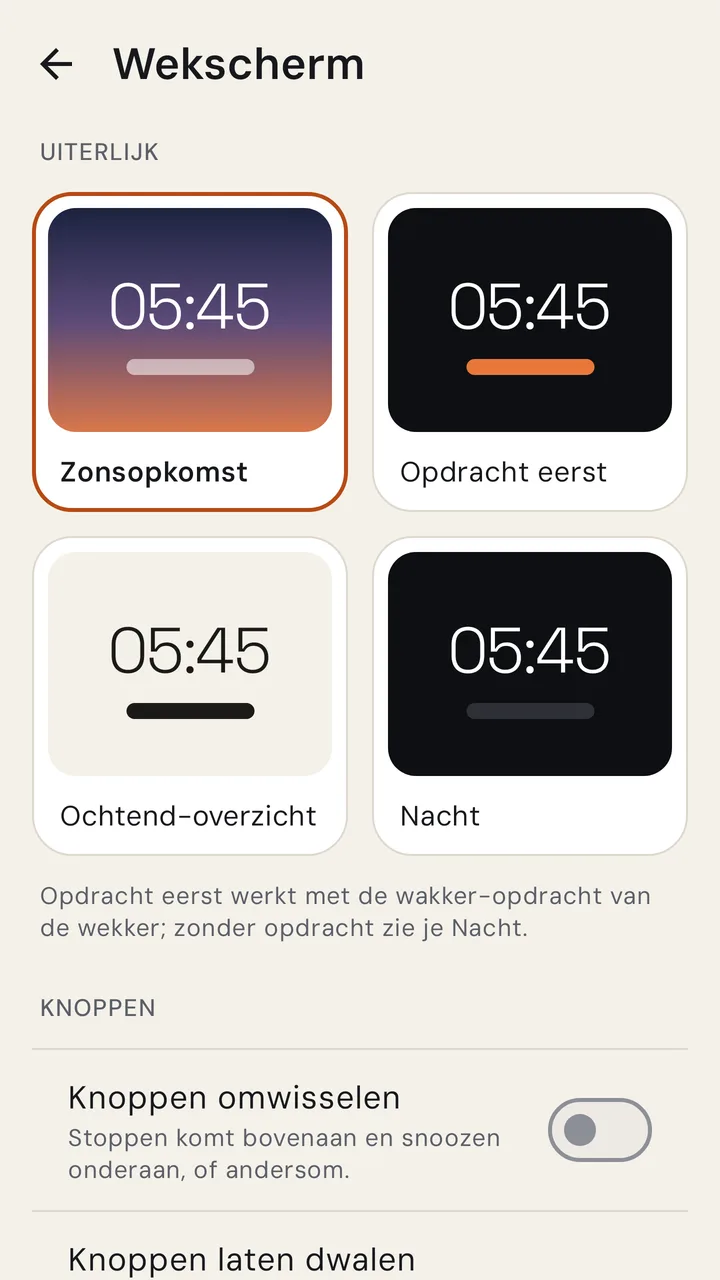
- Four wake-up screens: Sunrise, Task first, Morning overview and Night
Sound and light
- Own volume per alarm, rising gently
- Your own music, internet radio or Spotify, on the phone, a Bluetooth speaker, Google Cast or Spotify Connect
- Sunrise with smart lights: Google Home, IKEA DIRIGERA or your own webhook
- If a connection fails, the alarm simply plays its own sound
Reliable
- Exact alarms, wake-up screen above the lock screen, survives restarts
- A checklist for the battery and notification settings of your device
- Optional Wear OS: your watch vibrates along
What it looks like
Yours, on your device
No account, no ads, no tracking. Your alarms, rosters and settings stay on your device and the alarm works without internet.
Cloud Sync in development
Coming as an option: alarms, rosters and settings kept equal on all your devices, and moving along to a new phone. You sign in with a Wickedly account. The alarm always works without internet, and sensitive connections are encrypted on your device before they are stored.
Download Wakever
The Android app (APK). You can also install it through the WickedlyStore app, which then keeps Wakever up to date.
Version 0.4.0.0